Home / Docs / Website Chat / Who answers: live, AI or contact form
Who answers: live, AI or contact form
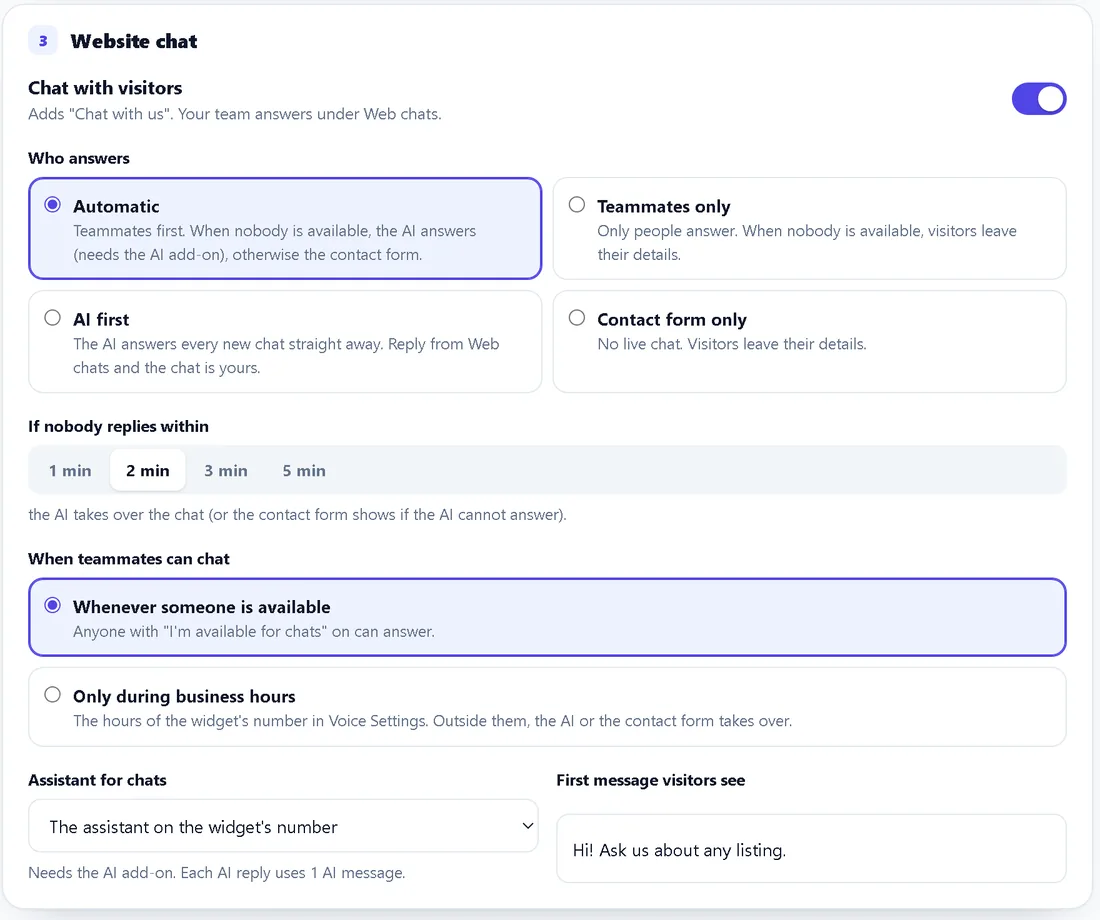
Every website chat is answered in one of three ways: by a teammate, by the AI, or with the contact form. You choose the order with one setting, Who answers, in System Manager, Widgets.
Overview: Website Chat docs · Install: Install the widget
The four settings
| Setting | What visitors get | AI add-on needed |
|---|---|---|
| Automatic | A teammate if someone is available, otherwise the AI, otherwise the contact form | Only for the AI part |
| Teammates only | A teammate if someone is available, otherwise the contact form | No |
| AI first | The AI answers every new chat straight away; a teammate can step in any time | Yes |
| Contact form only | The contact form; no conversation | No |
"Available" means a teammate has switched I'm available for chats on, on the Web chats page, and has TelBuddy open. If you limit chat to business hours, nobody counts as available outside them.
Live teammate chat
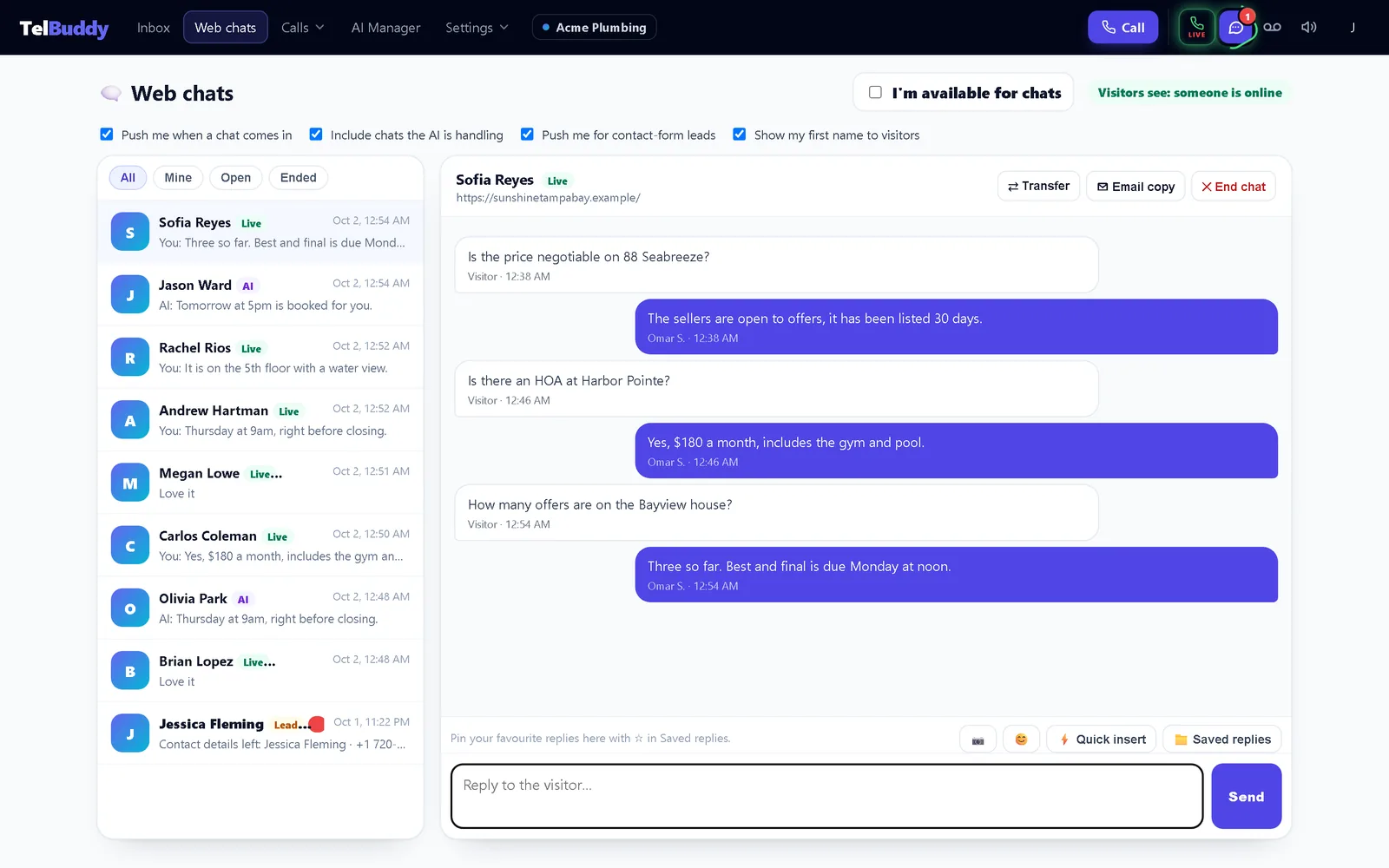
Visitors: type a message (and photos if they like), see typing dots while you write, and see your first name and initials at the top of the chat.
Your team: answers on the Web chats page, on a computer or a phone. The first person to reply takes the chat ("Yours" in the list). Teammates see who else is typing, so two people do not answer at once. Saved replies are shared with your texting inbox.
AI answers
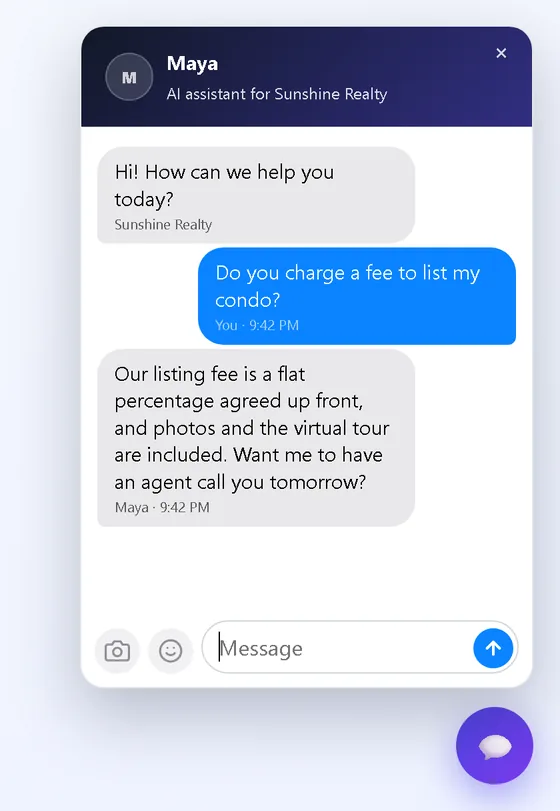
When the AI answers, it replies straight away using the assistant you pick for chats, with that assistant's own instructions and the knowledge base you trained (URLs, PDFs and short snippets). The chat header shows the assistant's name.
- Each AI reply uses one AI message from the same allowance as your other TelBuddy AI. See pricing.
- Fair-use limits stop one chat or one busy evening using your whole allowance. When the AI cannot answer, the visitor is asked to leave their details instead.
- Keep the knowledge base tight. When it has nothing close, the assistant should say so rather than guess at prices or policies.
In AI first, reply from Web chats at any time and the chat becomes yours: the AI stops answering that visitor while you are talking.
The contact form
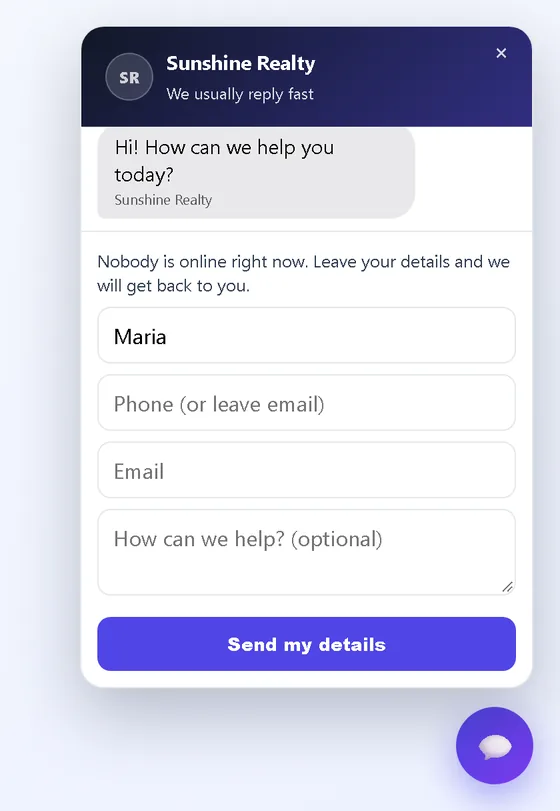
Visitors give their name, a phone number and/or email (you choose which are required), and an optional note. The lead:
- shows on Web chats as a waiting lead (not in the texting inbox),
- is emailed to the account's alert list,
- sends a push to anyone who has Push me for contact-form leads on.
Your team follows up by phone, text or email.
Choosing
- Someone can reply within a few minutes during your busy hours? Automatic, or Teammates only if you never want AI.
- Most questions are already answered on your site? AI first, with the knowledge base trained.
- Nobody to staff chat, and AI is not for you? Contact form only.
The setting applies everywhere the widget is installed. Changes take effect on the visitor's next page load; you never need to re-paste the code.