Voicemail for
Twilio and Telnyx
Add voicemail to any synced Twilio or Telnyx number in minutes. Record or type a greeting, capture the message with a transcript, and email it to your team. Webhooks are configured on sync, so you are not editing the carrier Console by hand.
📥 Voicemail from (555) 731-0099 · 0:34
📝 Transcript:
"Hi, this is Dana. I'd like a quote for a kitchen
remodel. Please call me back this afternoon. Thanks!"
✉️ Emailed to: team@yourbusiness.com
▶ Audio recording attached
Custom Greeting
Type or record a greeting per number, plus a separate greeting for when you are closed. Callers hear the right message for the time of day.
Transcripts + Email
Every message is recorded, transcribed and shown in your inbox. Pick a person on your account to be emailed each time a voicemail is left, so the right person reads it right away.
Smart Fallback
Use voicemail as a phone menu step (with its own success output, so a real message can email your team while a hang-up at the beep does not), the no-answer fallback for forwarding, or the after-hours destination.
Voicemail without the Console headache
Native Twilio voicemail means <Record> TwiML, a recording callback, and somewhere to store and read the file. On Telnyx it is the TeXML or Call Control equivalent plus the same storage problem. TelBuddy handles recording, transcription, and delivery for you on either carrier. Combine it with a phone menu and forwarding for full coverage.
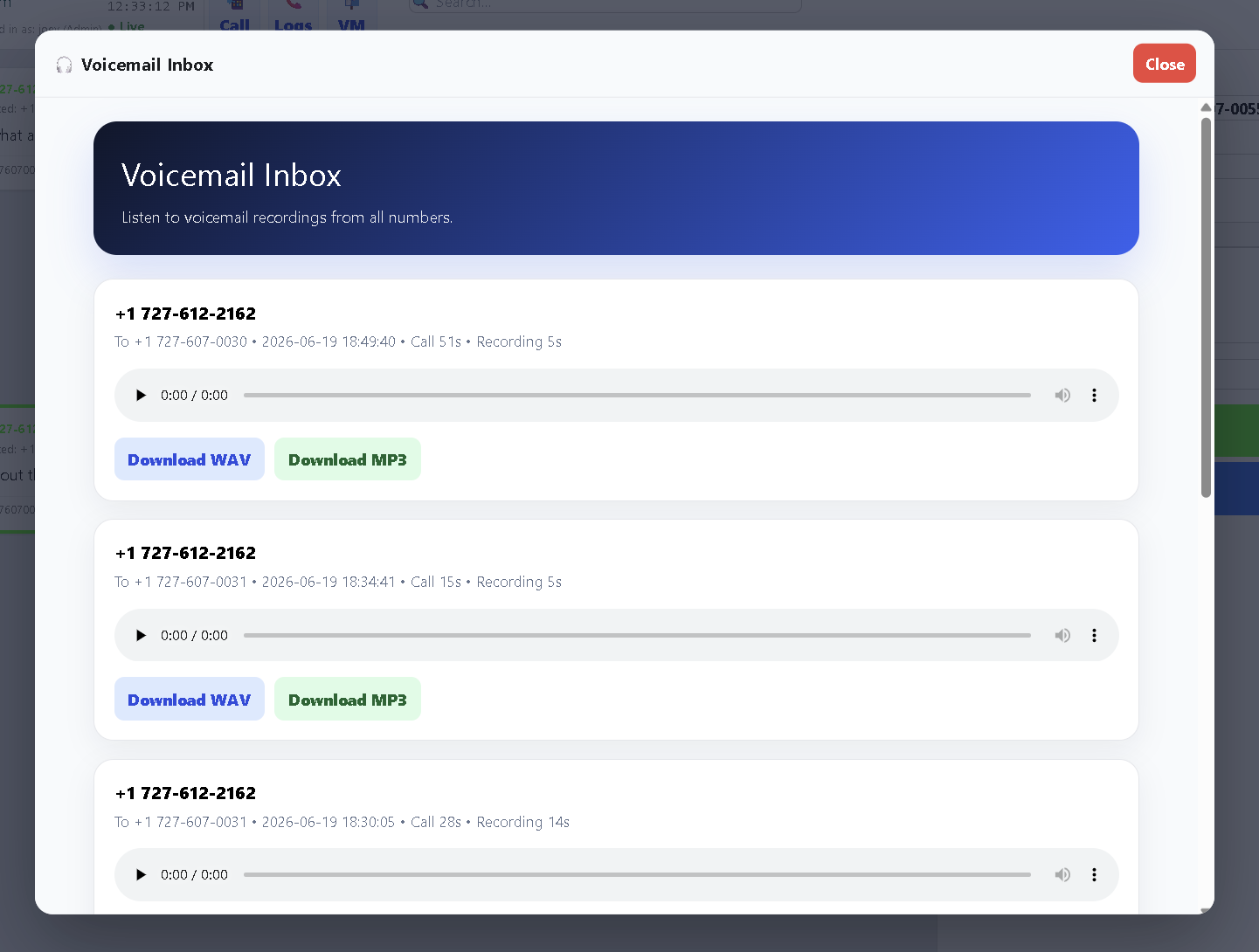
See It In TelBuddy
The real Voicemail Inbox, not a mockup.
A few honest answers.
How do I add voicemail to a Twilio number?
In TelBuddy, turn on voicemail in the number's voice settings and set a greeting. When a call isn't answered, the caller hears your greeting and can leave a message. TelBuddy configures the Twilio webhook and recording for you. No code required.
Does voicemail work on Telnyx numbers too?
Yes. Provider is set per phone number, so voicemail, the custom greeting, transcription and email delivery behave identically whichever carrier the number is on. You can mix Twilio and Telnyx numbers in one account. See Telnyx support.
Does Twilio voicemail include transcripts?
Yes. Voicemails are recorded and transcribed so you can read the message and listen to the audio. Messages can be emailed to your team so nothing gets missed.
Can voicemail kick in only after hours or on no-answer?
Yes. Voicemail can be the fallback when forwarding goes unanswered, an option in your phone menu, or the after-hours destination when your business is closed.