Business-hours
call routing
Set open and close times per weekday on each Twilio or Telnyx number. When you are open, calls follow your normal voice path: forwarding, an IVR, or the team. After hours, play a closed message or roll to voicemail, without opening the carrier Console.
Mon to Fri 9:00 AM to 6:00 PM ● Open → ring team
Saturday 10:00 AM to 2:00 PM ● Open
Sunday Closed ● → voicemail
--- [7:42 PM, Tuesday] ---
🌙 After hours: play "We're closed" → voicemail
✅ Schedule applied automatically
Per-Day Schedule
Set open and close times for each day of the week. Different weekend hours, early Fridays, or fully closed days. It's all point-and-click.
After-Hours Mode
Choose what happens when you're closed: voicemail with its own closed-hours greeting and email alert, a different phone menu, the AI receptionist, a closed message, or an on-call number. Hours follow each number's own time zone.
Works With Your Menu
Layer hours on top of your phone menu and forwarding so callers always reach the right place.
Stop answering calls after closing
Doing time-based routing in raw Twilio means writing logic that checks the clock and time zone on every call. TelBuddy gives you a simple weekly schedule per number and applies it automatically, so your phone behaves differently the moment you close, with no code to maintain.
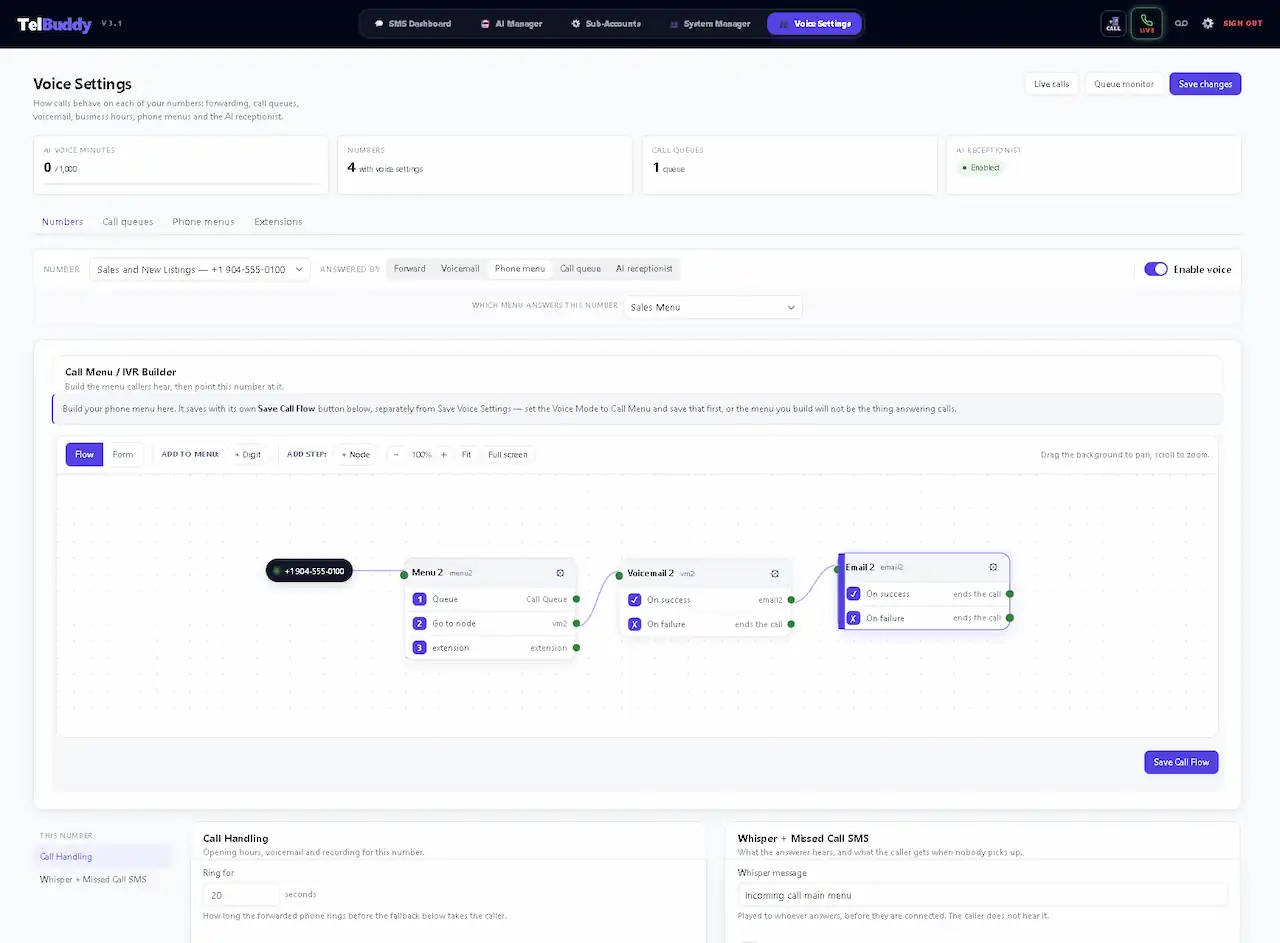
See It In TelBuddy
The real Voice Settings screen, not a mockup.
A few honest answers.
How do I route Twilio calls by business hours?
In TelBuddy, set your open hours for each day of the week on the number's voice settings. During business hours, calls ring your team or forwarding number. Outside those hours, calls automatically go to voicemail or a custom message. No code or Twilio Console needed.
Can I set different hours for each day?
Yes. Business hours are configured per day, so you can open later on weekends, close early on Fridays, or mark a day fully closed.
What happens to calls after hours?
You choose the after-hours behavior: send callers to voicemail, play a closed message, or forward to an on-call number. It switches automatically based on the schedule.
Every day set independently.
Most businesses are not open the same hours seven days a week, and a phone system that assumes they are creates work rather than removing it.
9:00 AM where?
Business hours without a time zone are guesswork. Set per number, so an office in another region opens when it opens rather than when head office does.
↓
Closed does not have to mean nothing happens.
The choice is not between answering and ignoring. It is about what a caller at eight in the evening gets instead.
No after-hours rule
✕ The phone rings out
✕ Or rings your mobile at 9pm
✕ Callers assume you closed permanently
✕ Nobody knows how many called
With after-hours routing
✓ Voicemail with a closed-hours greeting, and an email to whoever you pick
✓ Or a different number entirely
✓ Or a custom closed message with your hours
✓ Or the AI receptionist, if you have it
The rule changes at the moment you close, per number, without anyone remembering to switch it over.