Home / Docs / Texting & Inbox / Sending and Receiving MMS
Sending and Receiving MMS
MMS support is not a separate feature you turn on: it is built into the inbox itself. When a customer sends a photo or image to one of your numbers, it is captured automatically and shown as an inline preview right in the conversation thread, the same place their text messages appear.
This works the same way on both carriers. Twilio and Telnyx handle inbound media differently at the API level, but TelBuddy normalizes both through the same storage pipeline on its side. From your perspective there is no behavioral difference between an MMS that came in on a Twilio number versus a Telnyx number. You will never need to remember "this carrier handles images differently."
Sending an image is just as direct. In the reply composer, attach a photo the same way you would attach a file to an email: select it, and it goes out with your message. No separate upload step, no image-hosting link to generate first.
Why this matters day to day. A lot of real customer communication is not pure text: a photo of a job site, a screenshot of an error, a picture of a damaged product, an ID for verification. Because MMS is just part of the normal conversation thread, none of that requires a workaround.
Features at a glance
- Inbound photos and images captured and previewed automatically
- Identical behavior on Twilio and Telnyx numbers
- Attach an image to an outbound reply directly from the composer
- No separate media hosting, upload step, or configuration required
- Images stay in the conversation thread, alongside the messages they arrived with
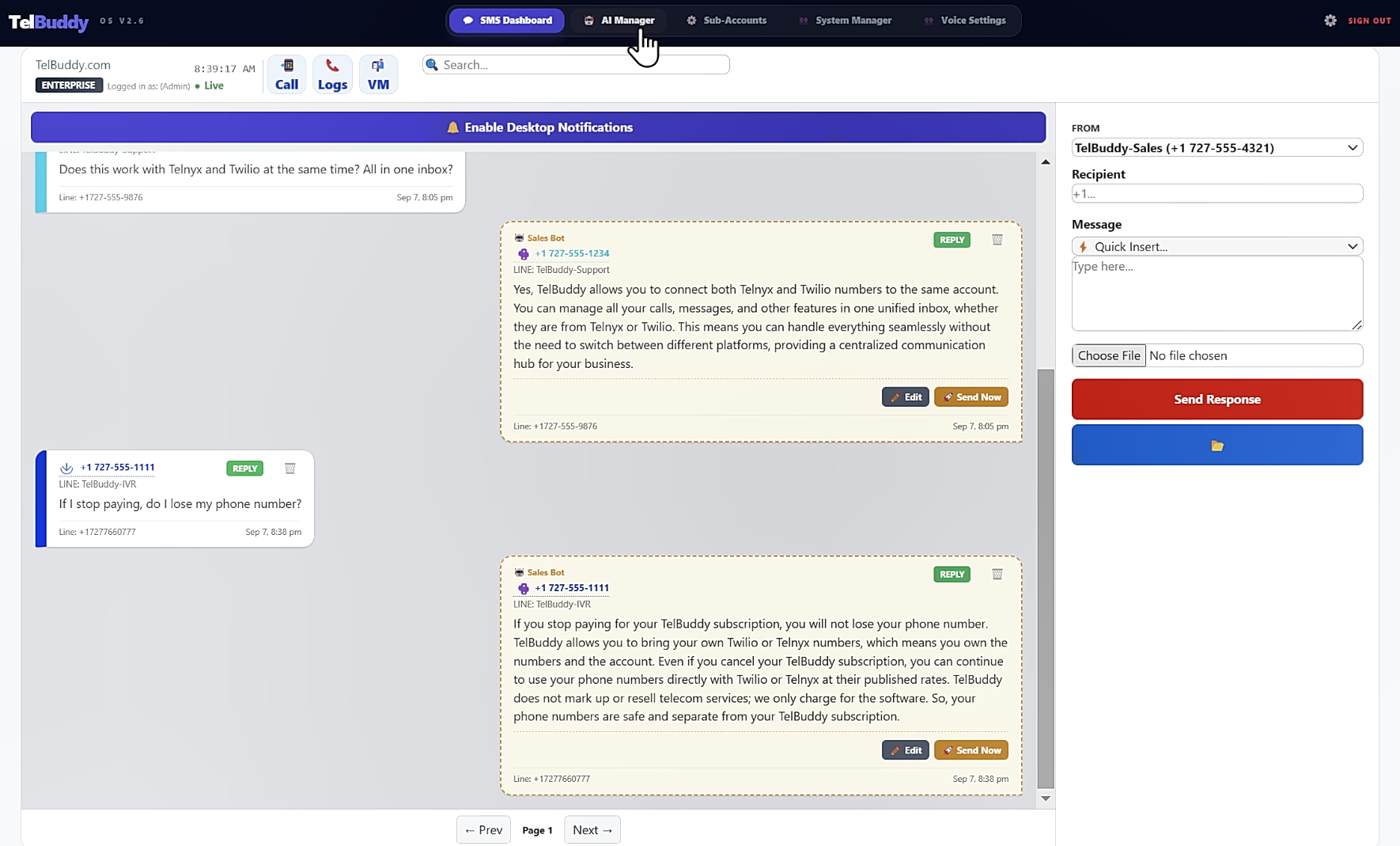
Sending an image
-
Open the conversation and attach
In the reply composer, use the attach control and pick the image from your device. It works the same on desktop and on a phone, so a photo taken on site can go out immediately.
-
Add your message and send
You can send an image on its own or with text alongside it. Both go out together as one message.
The sent image appears in the thread the same way an inbound one does, so the conversation reads as a single continuous history rather than splitting text and media apart.
What carriers charge for
Worth knowing, because it is the one place MMS differs from plain texting in a way you will notice on a bill.
MMS costs more than SMS at the carrier, and the difference is meaningful at volume. That cost is billed directly to you by Twilio or Telnyx at their published rates, exactly like your other usage. TelBuddy does not mark it up or take a cut.
Nothing about your TelBuddy plan changes based on whether you send images. Plans meter numbers and seats, never message volume.
If image-heavy conversations are a big part of what you do, that is a conversation with your carrier's pricing page rather than with your TelBuddy plan. See how TelBuddy works for how the two bills split.
Limits and practicalities
Carriers cap message size. Both Twilio and Telnyx enforce a maximum size for MMS attachments, and a photo straight off a modern phone camera can exceed it. If a send fails, an oversized image is the first thing to check.
Not every destination supports MMS. Some carriers and some landline numbers do not accept it at all. This is a limitation of the phone network rather than of TelBuddy, and it applies equally whichever carrier you use.
International MMS is patchy. Support varies significantly by country. If you regularly message internationally, test with a real number in that country before relying on it.
Troubleshooting
An inbound image did not appear. Check the message arrived at all. If the text came through but the image did not, the sender's carrier may have stripped it, which happens more often on international messages.
My outbound image failed to send. Most often the file is too large for the carrier's limit. Resizing the photo and resending usually resolves it.
Images work on one number but not another. Check the number is actually MMS-enabled in your carrier account. Not every number is by default, particularly older ones or numbers in some countries, and that setting lives with the carrier rather than in TelBuddy.