Everything TelBuddy Does: The Full Feature Tour (Twilio & Telnyx)

TelBuddy has grown a lot since the first version: a shared inbox, a dialer, an IVR builder, an AI receptionist, contact notes, an iPhone app. Enough that it's worth stepping back and laying out, in one place, everything it actually does today.
One rule for this page: nothing below is aspirational. If it's listed, it's built, it's live, and you can use it right now.
The Model: Your Own Twilio or Telnyx Account
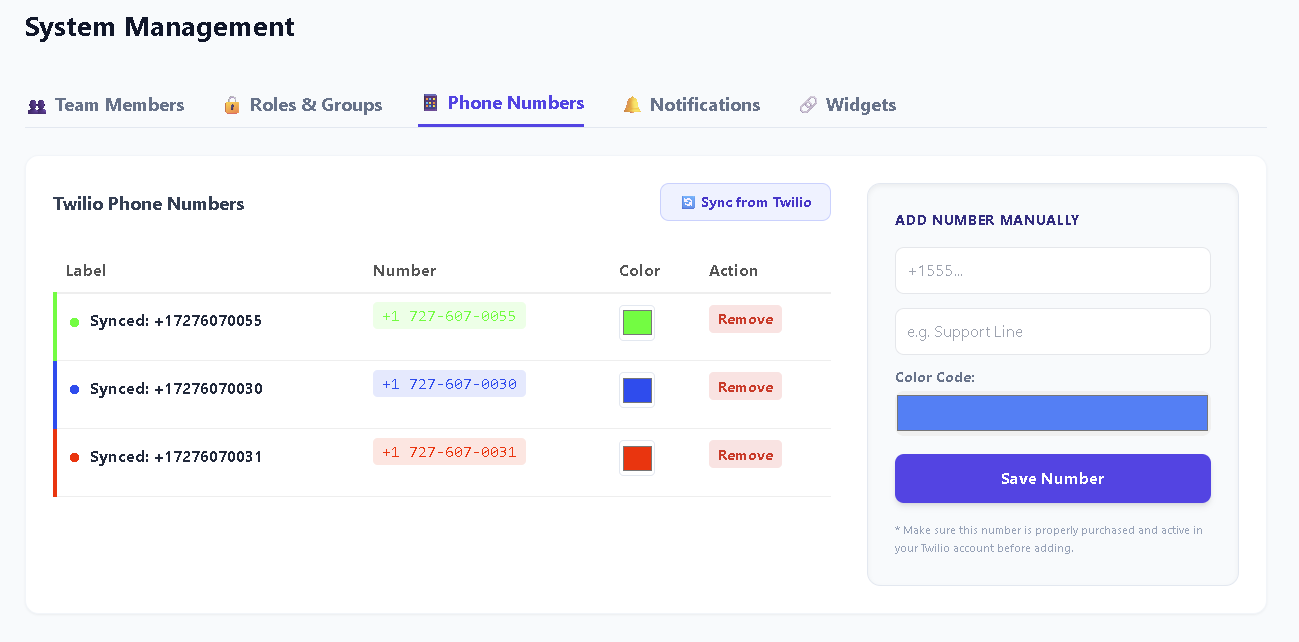
TelBuddy isn't a phone carrier, and it doesn't resell numbers. It's a dashboard that sits on top of an account you already own: Twilio, Telnyx, or both at once. Your numbers, your credentials, your billing relationship with the carrier. TelBuddy charges one flat monthly membership for the software; the carrier bills you separately, directly, at their own rates.
Provider is set per number, not per account, so a single TelBuddy dashboard can run some numbers on Twilio and others on Telnyx: same shared inbox, same team, same features, your choice of carrier underneath.
A Shared Inbox Your Whole Team Can Use
Every text to every synced number lands in one inbox: see it, reply to it, hand it off, all without anyone reading raw webhook payloads or juggling separate logins. MMS and images work identically regardless of which carrier a number runs on.
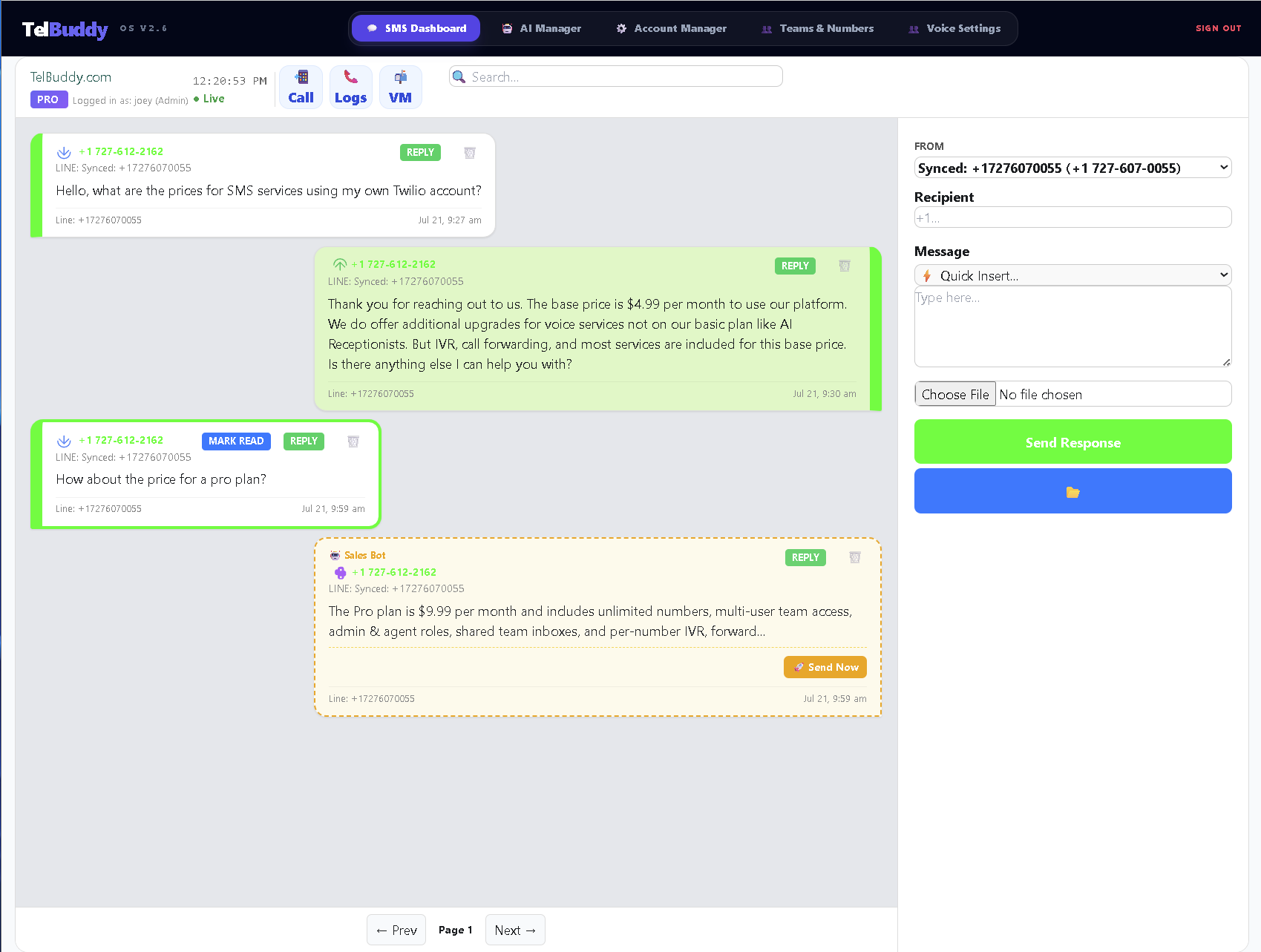
Reusable message templates ("Quick Insert") save you from retyping the same answer for the fifth time today, optionally with an image attached.
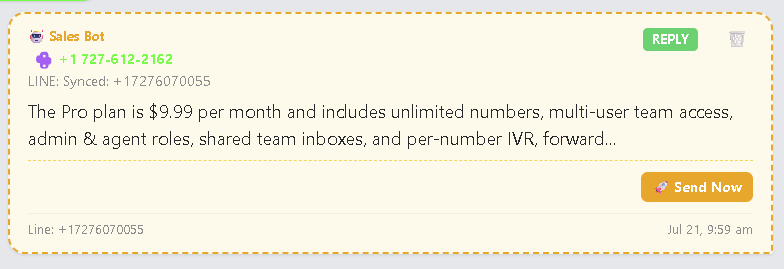
An AI assistant can draft replies for a human to review and send, or reply automatically once you trust it, your call, per number.
Real Contact Management, Not Just a Phone Number
This is new: click any customer's phone number in the inbox and a menu pops up: Call, Text, Notes, and Full View.
Full View opens the complete message history with that customer alongside their contact info (name, business/company, email) and a running notes log. Not one box you can accidentally overwrite, but a real timeline: each note is its own card, with its own delete button, and can carry an attached image or document (up to 15MB: photos, PDFs, spreadsheets, whatever the conversation calls for).
We built this to work the same way whether you're running a real estate office, an insurance agency, a car lot, a restaurant, a law firm, or a marketing agency, generic enough to actually fit all of them, not tuned to just one.
Voice: Forwarding, Voicemail, and a Phone Menu Builder
- Call forwarding: a primary number and a backup, with a whisper message played to whoever answers before the call connects.
- Voicemail: recorded and playable right from the dashboard.
- Business-hours routing: different behavior depending on whether you're actually open: forward, go to voicemail, or play a custom message.
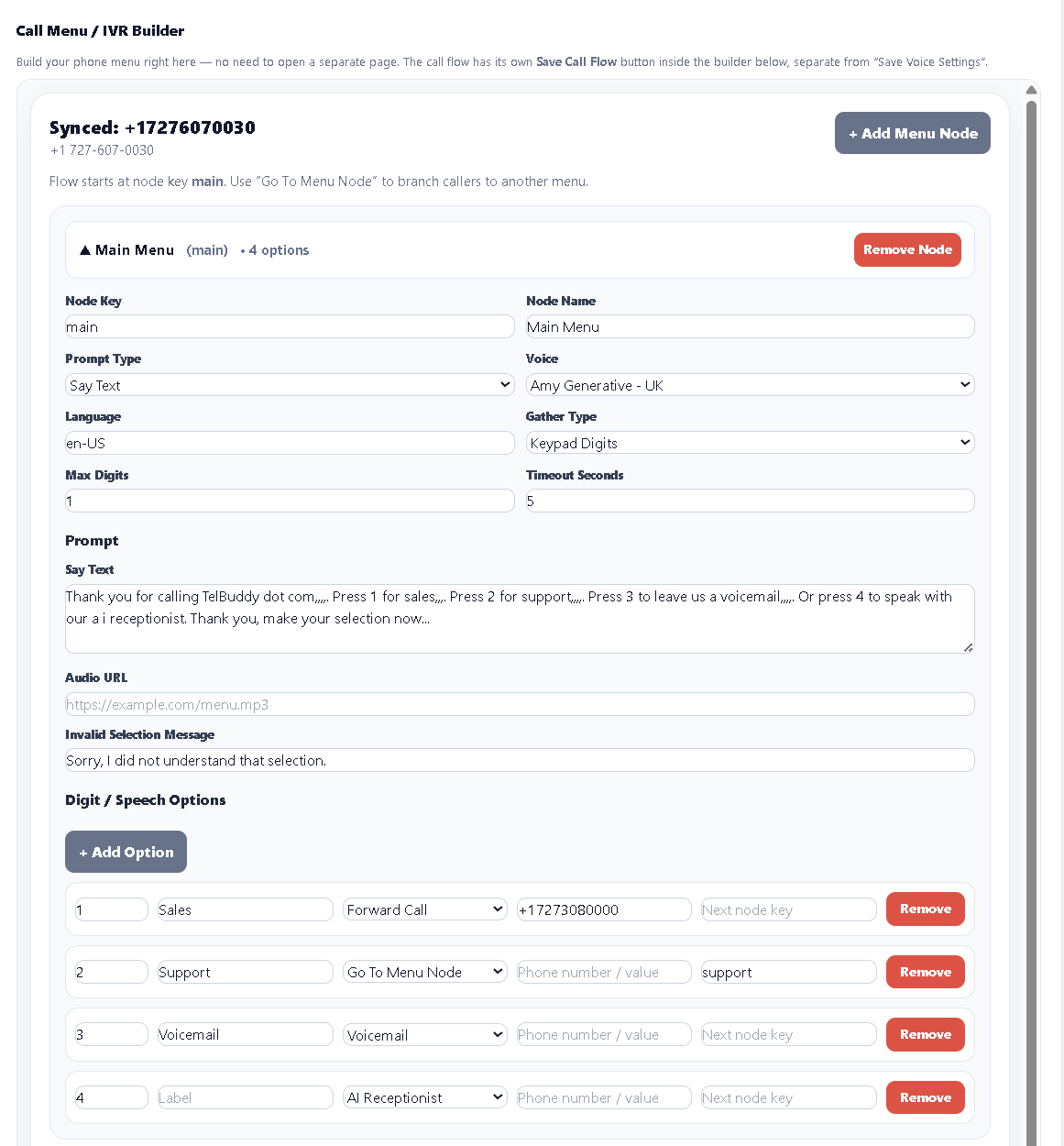
- A visual phone-menu (IVR) builder: click "+ Add Menu Node," fill in a form, link it to the next menu. Genuinely no-code (no TwiML to hand-write) and it handles multi-level sub-menus, custom timeouts, and a configurable "that wasn't a valid option" prompt.
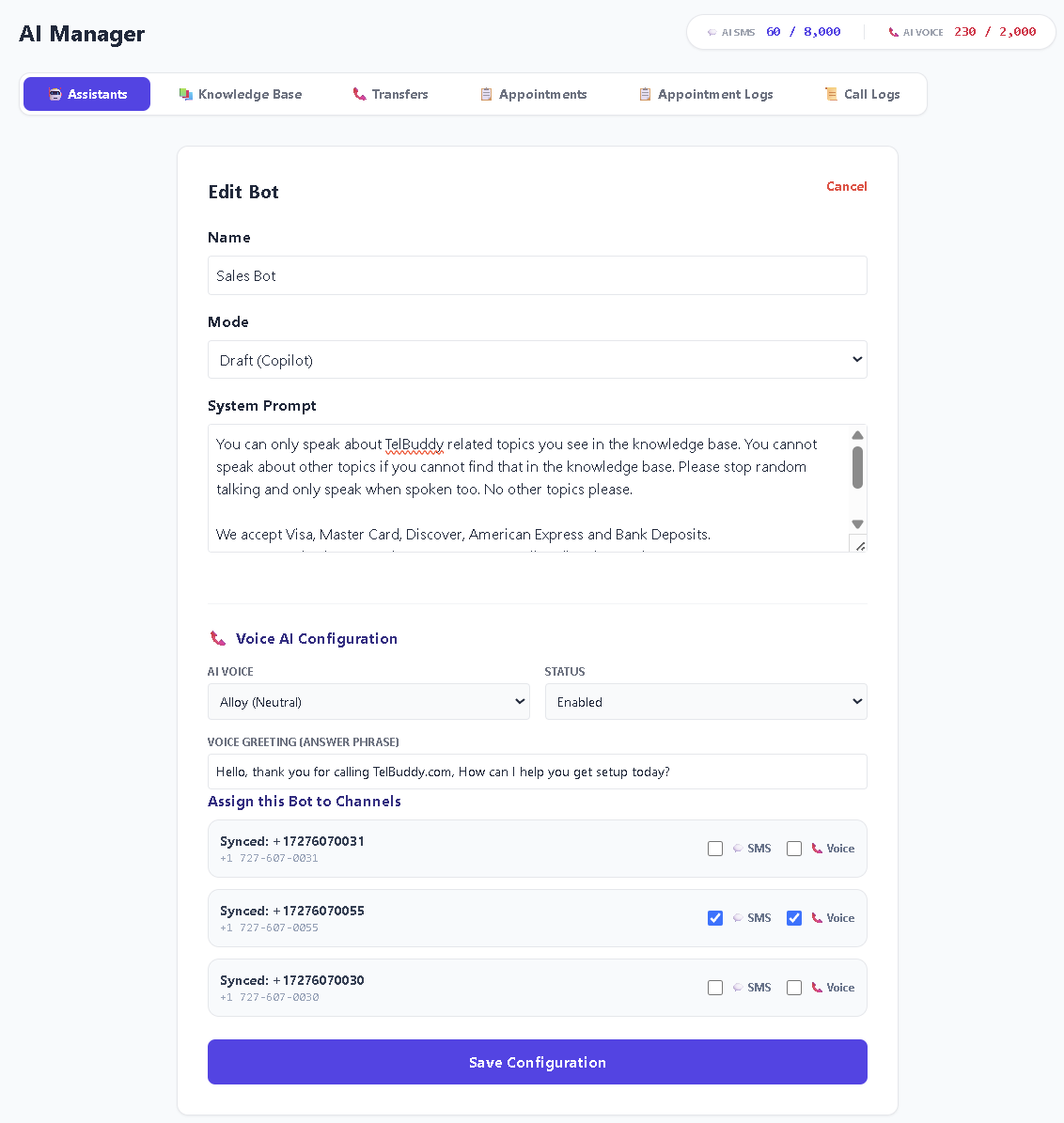
An AI Receptionist That Actually Talks
Beyond texting, TelBuddy's optional AI add-on can answer your phone with a real two-way spoken conversation: not a "press 1" menu, an actual voice that listens and responds in real time, and can transfer the caller to a human when needed. It works on both Twilio and Telnyx numbers.
One honest carrier difference: on Twilio, the AI can ring your whole team simultaneously (a ring group) when it transfers a call. On Telnyx, it can transfer to one destination at a time. If your team relies on simultaneous ring groups, that's currently a Twilio-side capability.
An In-App Dialer. Now Easier to Use
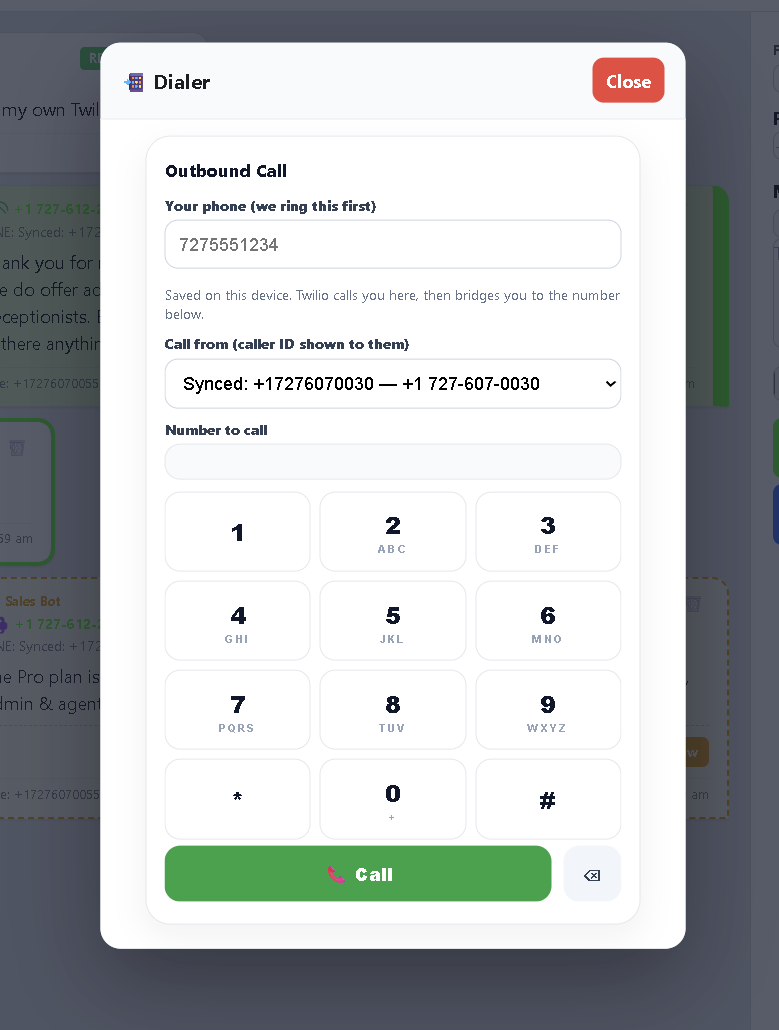
Need to place an outbound call? TelBuddy's dialer rings your own phone first, then bridges you to the number you dialed, with your TelBuddy number as caller ID, no separate calling app, no WebRTC browser audio to configure. Works on both Twilio and Telnyx numbers.
We recently fixed the one thing about it that bugged people: the number field used to be keypad-only. Now you can click in and type, or paste a number directly, the keypad's still there if you want it.
Texting Compliance, Handled Where It Actually Belongs
Twilio and Telnyx both automatically enforce STOP requests at the carrier level, reply STOP to any number and future texts from that number are blocked, no matter what any dashboard on top does or doesn't do. TelBuddy doesn't need to (and doesn't try to) reinvent that.
What TelBuddy does add: an opt-out line ("Reply STOP to unsubscribe") automatically appended to the first message you send a number that's never texted in, not cluttering every reply once a real conversation is underway, plus a plain-language "this customer opted out" message instead of a cryptic API error if you ever try to text someone who's blocked you.
TelBuddy Is Now an App on Your iPhone
You can add TelBuddy to your iPhone Home Screen: a real icon, full-screen, no Safari address bar, no App Store download. Read the full walkthrough here, or jump straight to the step-by-step setup guide.

Simple, Scalable Pricing
TelBuddy has four plans: Starter ($19/mo, 2 numbers, 2 seats), Growth ($39/mo, 5 numbers, 5 seats), Commercial ($79/mo, 10 numbers, 15 seats), and Enterprise ($149/mo, 50 numbers, 50 seats). Every plan includes the exact same features: shared inbox, IVR builder, forwarding, voicemail, business hours, dialer, contacts, the only difference is how many numbers and team seats you need. Annual billing is available on every plan for 2 months free, and the optional AI add-on works on any of them. That's the whole TelBuddy bill: your carrier usage (texts, calls) is billed separately, directly, at their own published rates. No per-message markup, ever.
Frequently asked questions
Do I need both a Twilio account and a Telnyx account?
No — just one or the other. You can also run both at once if you want, with different numbers on each, all inside the same TelBuddy dashboard.
Is the IVR builder drag-and-drop?
Not currently — it's a click-and-fill-in-a-form builder. It's genuinely no-code, just not drag-and-drop yet.
Does the AI Voice Receptionist work on Telnyx numbers?
Yes. The one difference: on Telnyx it transfers to a single destination, while Twilio numbers can also ring a whole team simultaneously (a ring group).
Does TelBuddy handle A2P 10DLC registration for me?
No — Brand and Campaign registration happens directly with your carrier (Twilio or Telnyx) and requires your business's real legal information. TelBuddy's Bulk Sync tool automates the webhook configuration once your numbers are set up, but the registration itself isn't something any third-party dashboard can do on your behalf.
Skip the Twilio Console entirely
TelBuddy turns everything in this guide into point-and-click settings: IVR menus, forwarding, voicemail, webhooks, and A2P sync, on top of your own Twilio account.
